
2FA for Cryptocurrency: What It Is and How to Set It Up
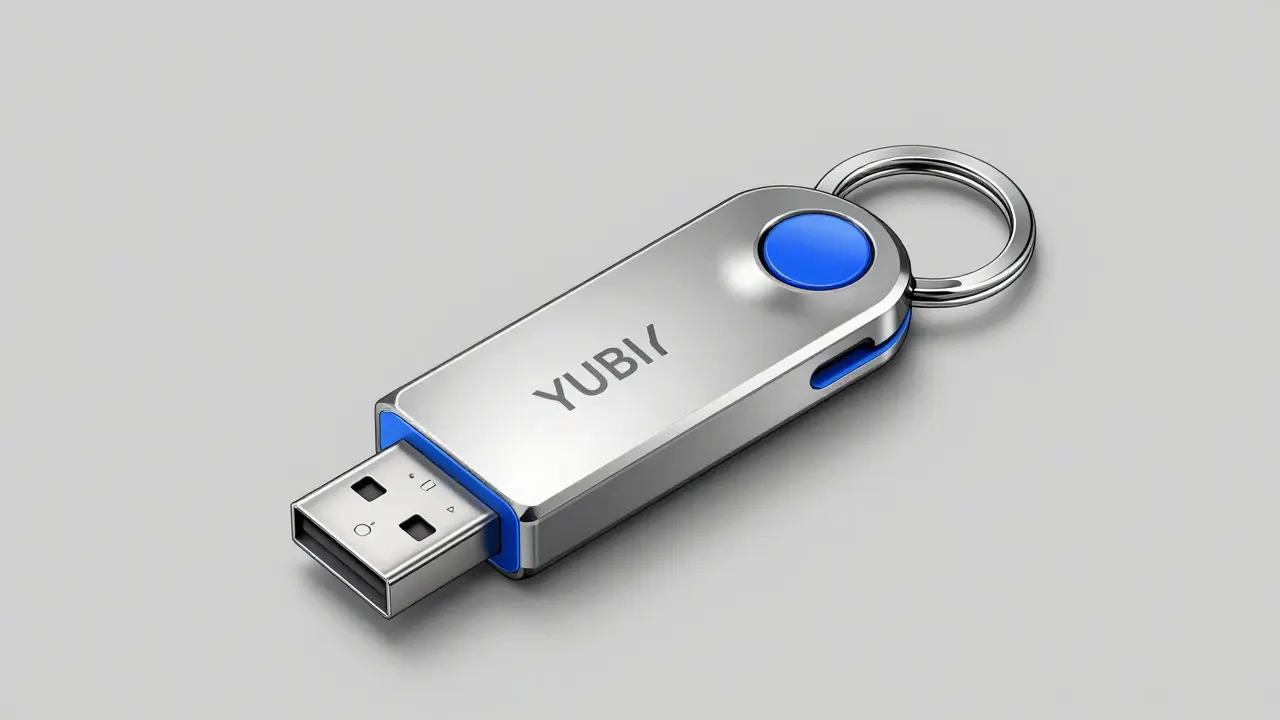
Over 10,000 cryptocurrency thefts occurred in 2023 alone, with nearly half involving compromised accounts due to weak 2FA cryptocurrency security measures. Two-Factor Authentication (2FA) is the most effective way to protect your digital assets from these threats.
Key Takeaways
- 2FA requires two separate verification steps, making unauthorized access much harder.
- Authenticator apps like Google Authenticator are safer than SMS-based 2FA.
- Hardware keys like YubiKey offer top-tier security for high-value holdings.
- Never share backup codes-they're your only recovery option if you lose access.
- Proper 2FA setup is simple but critical for keeping crypto safe.
What is Two-Factor Authentication for Cryptocurrency?
Two-Factor Authentication (2FA) is a security system that requires two different forms of identification to access your cryptocurrency accounts. Unlike single-password security, 2FA combines something you know (like a password) with something you have (like a mobile device) or something you are (like a fingerprint). This extra layer stops hackers even if they steal your password.
How 2FA Protects Your Crypto Assets
Imagine your cryptocurrency account as a vault. A password is like a key, but 2FA adds a second lock. Even if someone cracks your password, they can't open the vault without the second factor. This is crucial because blockchain transactions are irreversible. Once stolen, your crypto is gone for good.
For example, when logging into an exchange like Crypto.com, 2FA might require your password plus a code from an authenticator app. If a hacker tries to access your account, they'd need both your password and your phone to generate the code. This dual-step process makes attacks far less likely to succeed.
Why SMS-Based 2FA is Risky for Crypto
While SMS-based 2FA is easy to set up, it's the weakest option. Hackers can trick phone carriers into transferring your number to a new SIM card (SIM-swapping), then intercept your codes. In 2023, over 30% of crypto thefts involved SIM-swapping attacks. Always choose authenticator apps or hardware keys instead.
Comparing 2FA Methods
| Method | Security Level | Convenience | Best For |
|---|---|---|---|
| SMS-based | Low | High | Quick setup for low-risk accounts |
| Authenticator apps (e.g., Google Authenticator) | Moderate | High | Most users; balances security and ease |
| Hardware tokens (e.g., YubiKey) | High | Moderate | High-value holdings; security-conscious users |
| FIDO U2F | Very High | Low | Advanced users; institutional accounts |
Setting Up 2FA: A Simple Guide
Most cryptocurrency platforms make 2FA setup easy. Here's how to do it:
- Log in to your crypto exchange or wallet.
- Go to Security Settings and find the Two-Factor Authentication option.
- Download a trusted authenticator app like Authy or Google Authenticator from your device's official app store.
- Scan the QR code shown on the platform using the app. This links your account to the app.
- Enter the code generated by the app to confirm setup.
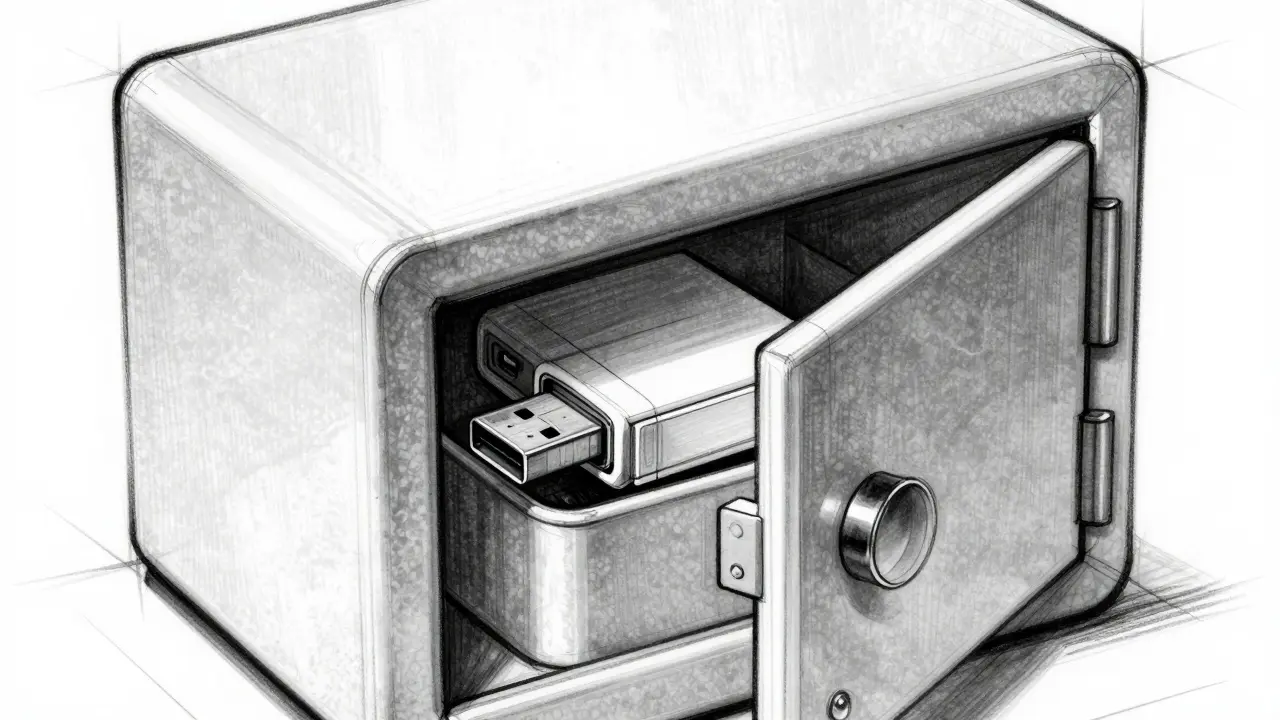
- Save your backup codes in a secure offline location-like a printed sheet or encrypted USB drive. These are your lifeline if you lose your device.
Platforms like Crypto.com have specific requirements-for example, enabling 2FA on their NFT marketplace triggers a 24-hour withdrawal lock. Always check your platform's security guidelines.
Common 2FA Mistakes to Avoid
- Using SMS for 2FA: SMS codes can be intercepted through SIM-swapping attacks. Always prefer authenticator apps or hardware keys.
- Ignoring backup codes: If you lose your phone and didn't save backup codes, you could lose access to your entire crypto portfolio.
- Sharing recovery information: Never give your backup codes or one-time passwords to anyone-scammers often pose as support staff.
- Not updating authenticator apps: Outdated apps may have security flaws. Keep them updated regularly.
- Ignoring platform-specific rules: Crypto.com requires 2FA for NFT withdrawals and locks them for 24 hours after enabling 2FA. Skipping these steps leaves assets vulnerable.
Best Practices for 2FA Security
- Use hardware security keys like YubiKey for high-value accounts-they're immune to phishing.
- Store backup codes in multiple secure locations (e.g., a safe and a trusted family member).
- Regularly review connected devices in your security settings to spot unauthorized access.
- Enable 2FA on all crypto-related accounts, including NFT marketplaces and wallet services.
- Never store recovery codes digitally-use physical copies only.
Can I use the same 2FA method for multiple crypto accounts?
Yes, most authenticator apps allow multiple accounts. Just scan each platform's QR code separately. However, avoid using SMS for multiple accounts-this increases risk if your phone number is compromised.
What if I lose my phone with 2FA enabled?
Use your backup codes to regain access. If you didn't save them, contact the platform's support immediately. They'll verify your identity and reset 2FA, but this process can take days. Always keep backup codes safe!
Is hardware 2FA worth the cost?
For accounts holding over $1,000 in crypto, yes. Hardware keys like YubiKey cost $20-$50 and prevent phishing attacks that bypass app-based 2FA. They're the gold standard for high-value holdings.
Can 2FA be hacked?
No method is 100% hack-proof, but hardware keys and authenticator apps are extremely resilient. SMS-based 2FA is vulnerable to SIM-swapping, while phishing attacks can trick users into revealing codes. Always use app-based or hardware keys for maximum security.
Why do exchanges require 2FA for withdrawals?
Because once crypto is withdrawn, it's nearly impossible to recover. Exchanges enforce 2FA to prevent unauthorized transfers. For example, Crypto.com locks NFT withdrawals until 2FA is enabled and requires a 24-hour delay for new 2FA setups.
Josh Flohre
February 5, 2026 AT 17:082FA is critical for crypto security. SMS-based 2FA is a disaster; over 30% of 2023 thefts involved SIM-swapping. Always use authenticator apps or hardware keys. Backup codes must be stored offline. Period.
aryan danial
February 6, 2026 AT 22:55Two-Factor Authentication (2FA) for cryptocurrency isn't merely about enabling a second layer; it's about comprehending the underlying cryptographic mechanisms. While many believe that using an authenticator app suffices, this overlooks the fact that time-based one-time passwords (TOTP) can still be phished. For instance, attackers can create fake login pages that capture both the password and the TOTP code. Hardware security keys such as YubiKey, utilizing FIDO U2F standards, are far more resilient because they require physical interaction and are immune to remote attacks. However, even hardware keys aren't foolproof; their security depends on proper implementation and key management practices. Additionally, the importance of backup codes is often underestimated-losing access to your device without saved backups can mean permanent loss of assets. Therefore, a holistic approach to 2FA is essential, involving regular security audits and staying informed about emerging threats.
Olivette Petersen
February 8, 2026 AT 15:132FA is such a simple step that can save your crypto assets! Seriously, it's not hard to set up-just a few minutes of your time. Using an authenticator app like Google Authenticator is super easy and way safer than SMS. I've been using it for years and it's made me feel so much more secure. Don't wait until it's too late-take action now!
Joshua Herder
February 9, 2026 AT 04:492FA isn't the silver bullet everyone thinks it is. While it's better than nothing, serious crypto holders need more. Exchanges can get hacked, and 2FA can be bypassed via social engineering. A multi-layered security approach is essential-cold storage, hardware wallets, air-gapped setups. Otherwise, you're just kidding yourself.
Molly Andrejko
February 10, 2026 AT 01:51Setting up 2FA is straightforward, and it's one of the most important steps you can take for security. I recommend using an authenticator app instead of SMS-it's much more secure. Also, make sure to save your backup codes in a safe place. It's easy to overlook, but it's crucial. Don't worry, it's not hard to do-just take a few minutes. You'll thank yourself later.
Jim Laurie
February 10, 2026 AT 23:152FA is a game-changer for crypto security! Using an authenticator app like Google Auth is way better than SMS-no more SIM-swapping risks. Just make sure to save your backup codes offline. Trust me, it's a small step for you, but a giant leap for your assets. Dnt be lazy-do it now!
Sharon Lois
February 12, 2026 AT 11:00SMS 2FA is a joke. Hardware keys only.
mahikshith reddy
February 13, 2026 AT 08:262FA is non-negotiable. SMS is dead. Use hardware keys. Period.
Brendan Conway
February 15, 2026 AT 04:492fa is super important for crypto security. Sms is bad. Use an app like google authenticator. Save backup codes offline. Easy to do, and keeps your stuff safe.
Katie Haywood
February 15, 2026 AT 15:222FA is a must. SMS? No way. Hardware keys are the way to go. Backup codes? Write them down. Seriously, it's not hard. Just don't be lazy.
Matt Smith
February 16, 2026 AT 17:32Hardware keys are great, but they're not perfect. What if you lose them? What if they're stolen? SMS isn't the only option-there are better alternatives like biometrics. Also, hardware keys can be phished too. Don't fall for the hype. 🔥
Jesse Pasichnyk
February 17, 2026 AT 14:382FA is critical. SMS is trash. Use hardware keys. No exceptions. Period.
Jordan Axtell
February 19, 2026 AT 07:572FA isn't just a simple step-it's a mindset. People think it's easy, but it's about taking responsibility for your assets. SMS is a joke; authenticator apps are better but still vulnerable. Hardware keys are the only real solution. Backup codes? You better have them stored offline. Otherwise, you're risking everything. Security isn't optional-it's survival.
James Harris
February 19, 2026 AT 18:102FA is important, but you're right-there's more to security. Cold storage is great for large amounts. Hardware wallets are super secure. Just take it step by step. You've got this!
Alex Garnett
February 20, 2026 AT 02:29The 'easy' setup is only easy for those who don't understand the nuances of cryptographic security. Authenticator apps are merely a step above SMS, but they're still vulnerable to phishing. Hardware keys are the only viable option for serious holdings. Backup codes must be stored in a physically secure location. Otherwise, you're just fooling yourself.
Kieren Hagan
February 21, 2026 AT 23:07While the importance of 2FA is undeniable, the use of jargon-heavy terminology can lead to misunderstandings. It is recommended to utilize hardware security keys for high-value assets, as they provide robust protection against phishing attacks. Backup codes should be stored in a secure offline location to ensure accessibility in case of device loss.
sachin bunny
February 22, 2026 AT 06:17Hardware keys? What about state-sponsored attacks? Everything can be hacked. SMS is bad, but hardware keys aren't perfect either. Always stay vigilant. 🤡
Michelle Anderson
February 23, 2026 AT 09:482FA is non-negotiable? You're missing the point. SMS is dangerous, but hardware keys are only part of the solution. You need multi-factor authentication with biometrics. Otherwise, you're still vulnerable.
Danica Cheney
February 24, 2026 AT 04:252fa is important but sms is bad. Use app. Save backup codes. Easy. Just dont forget to do it. lol
Kyle Pearce-O'Brien
February 24, 2026 AT 19:282FA is merely a superficial layer of security; true asset protection requires a comprehensive cryptographic framework. Hardware keys are the only viable solution for high-value holdings, yet even they are susceptible to physical tampering. Backup codes must be stored in a manner that adheres to quantum-resistant standards. The current state of crypto security is a farce. 💥
Matthew Ryan
February 25, 2026 AT 18:49Hardware keys have their flaws, but they're still the best option available. Biometrics are great but not foolproof. It's about layering security. No single solution is perfect, but hardware keys are a solid choice.
Alisha Arora
February 27, 2026 AT 10:12SMS is trash? What about 2FA being bypassed through social engineering? Hardware keys aren't the only solution. You need to consider all attack vectors. It's not that simple.
Michael Sullivan
February 28, 2026 AT 02:01Security isn't survival-it's a constant battle. Hardware keys are useless without proper key management. Backup codes stored digitally are worthless. You need air-gapped systems. Period. 💀
Reda Adaou
March 1, 2026 AT 14:44Cold storage is great for large amounts, but hardware wallets are more accessible for everyday use. It's all about finding the right balance for your situation. Everyone's needs are different-what works for one person might not work for another.
perry jody
March 1, 2026 AT 17:08Hardware keys are great, but don't forget to use backup codes! 😊 Just make sure to keep them safe. Everyone can do this-don't stress! You got this!
Paul Jardetzky
March 2, 2026 AT 11:45Hardware security keys are the way to go! 💪 They're super secure and easy to use. Just remember to back up your codes properly. You'll be safe and sound! ✨
Udit Pandey
March 2, 2026 AT 19:34State-sponsored attacks are a reality, but dismissing hardware keys is irresponsible. Properly managed hardware security keys provide the highest level of protection. It is imperative to adopt best practices for national security interests.
Ryan Chandler
March 3, 2026 AT 13:44Biometrics? They're not foolproof either. Facial recognition can be spoofed. Fingerprint sensors can be bypassed. Hardware keys are the only reliable solution. We must prioritize security over convenience. This is not a debate-it's a necessity.
Ajay Singh
March 4, 2026 AT 04:532fa is important sms is bad use app save backup codes easy dont forget