End-to-End Encryption for Families, Explained Without the Jargon
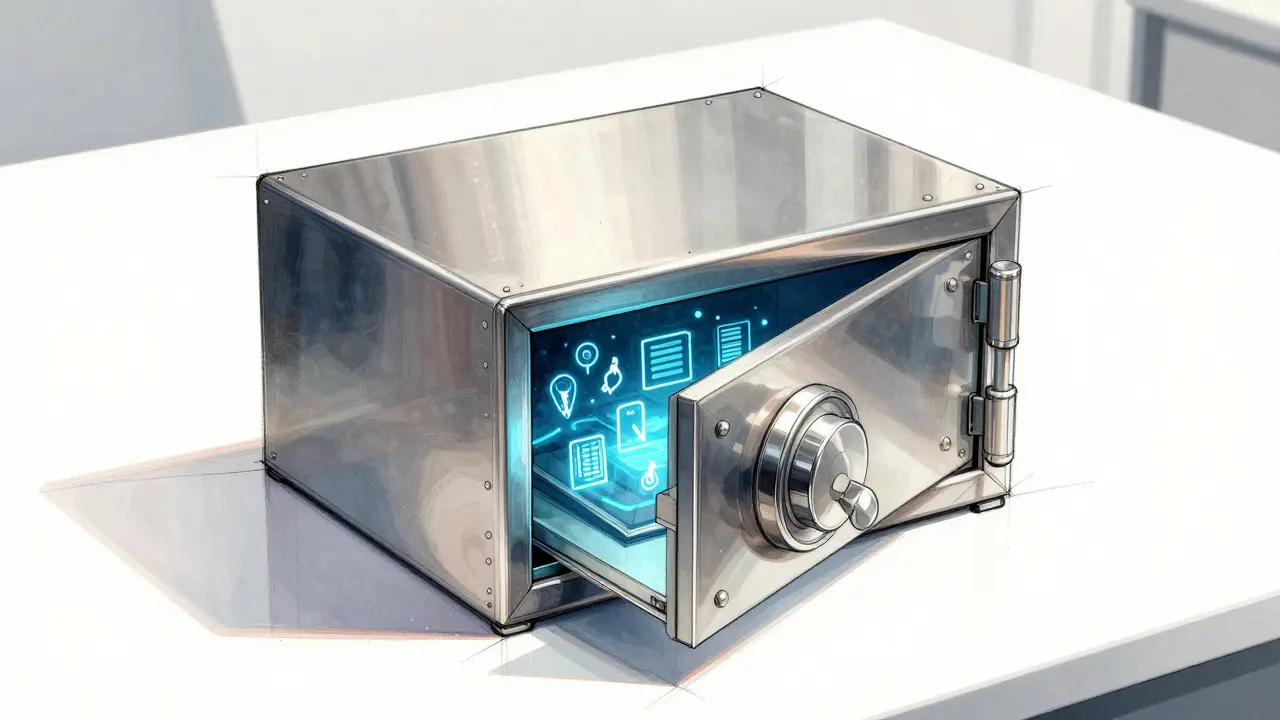
You probably have a folder on your computer named "Important Stuff" or maybe a shared cloud drive where you dump insurance policies, passport scans, and login details. It feels organized until it isn't. Maybe your partner can’t find the Wi-Fi password because you changed it last week. Or perhaps you’re planning a long trip and need to ensure someone can access critical documents if you’re offline for weeks. The problem isn’t just clutter; it’s trust. You want your family to have access to what they need, when they need it, without handing over the keys to your entire digital life.
This is where the concept of a digital vault becomes more than just tech buzzword. It’s a secure space designed specifically for sharing sensitive information within a trusted circle. But not all vaults are created equal. Many rely on centralized servers that a single company controls, which introduces risks. If that company gets hacked, changes its privacy policy, or simply goes out of business, your data could be compromised or inaccessible. That’s why understanding how modern encryption works-and choosing the right infrastructure-is crucial for family preparedness.
The Problem with Shared Folders
We’ve all used shared folders. They’re convenient, but they lack nuance. When you share a Google Drive folder with your spouse, they see everything in it. There’s no way to say, "You can see the mortgage documents, but not my investment portfolio," or "You can access this file only after I’ve been unreachable for 48 hours." This all-or-nothing approach forces families into bad habits: keeping passwords in text messages, writing them down on sticky notes, or hoping everyone remembers the master password.
Traditional password storage tools often solve part of this by letting you store credentials securely, but they rarely handle complex family dynamics well. Most are built for individual use or small teams, not for households where needs vary wildly. A teenager might need access to a streaming service login, while a parent needs access to medical records. Mixing these in one generic folder creates security gaps and confusion.
What Is End-to-End Encryption, Really?
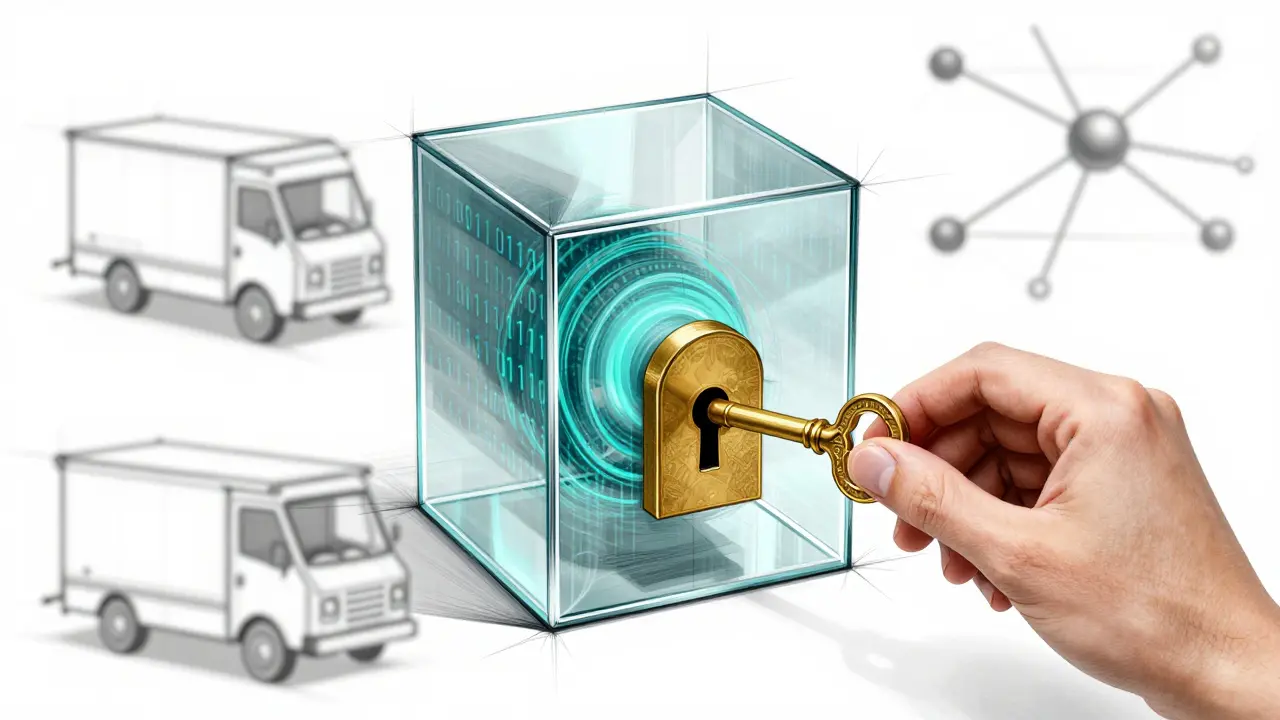
Let’s strip away the jargon. End-to-end encryption (E2EE) means that your data is scrambled into unreadable code on your device before it ever leaves your hands. Only people with the correct key can unscramble it. Think of it like sending a letter in a locked box. You lock the box at home. The postal service (the internet) carries the box, but they don’t have the key. Only the recipient has the key to open it.
In most cloud services, the company holds the key. They can technically read your files if they wanted to, or if forced by law. In a true zero-knowledge system, the company doesn’t even know you have a file, let alone what’s inside it. This is the gold standard for privacy. For families, this means that even if the service provider is breached, your private documents remain safe. Your data stays yours, encrypted from the moment you create it until the moment someone authorized opens it.
Why Decentralized Storage Matters for Families
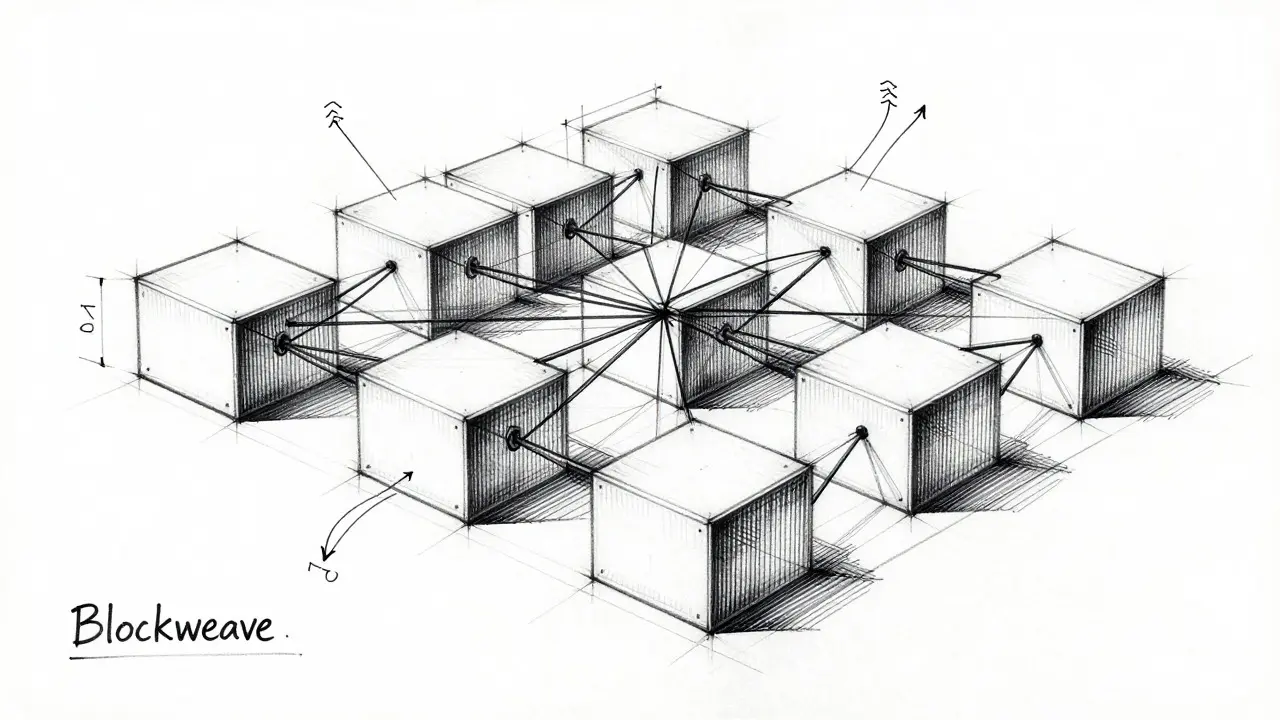
Encryption keeps your data private, but storage keeps it available. Most services store your encrypted files on their own servers. This creates a single point of failure. If those servers go down, your data is gone. This is where decentralized storage changes the game. Instead of relying on one company’s data center, your files are split into pieces and stored across a network of independent nodes.
Vaulternal uses a combination of technologies to achieve this. Files are chunked and integrity-hashed before being uploaded to Arweave, a permanent storage layer, and distributed via IPFS (InterPlanetary File System). Metadata is anchored on Polygon, a blockchain network. Why does this matter for you? Because it means your family’s critical information doesn’t depend on Vaulternal staying in business forever. The architecture ensures that as long as the underlying networks exist, your data remains accessible to those you’ve authorized. It’s a level of resilience that traditional cloud providers simply cannot offer.
How Conditional Access Works in Practice
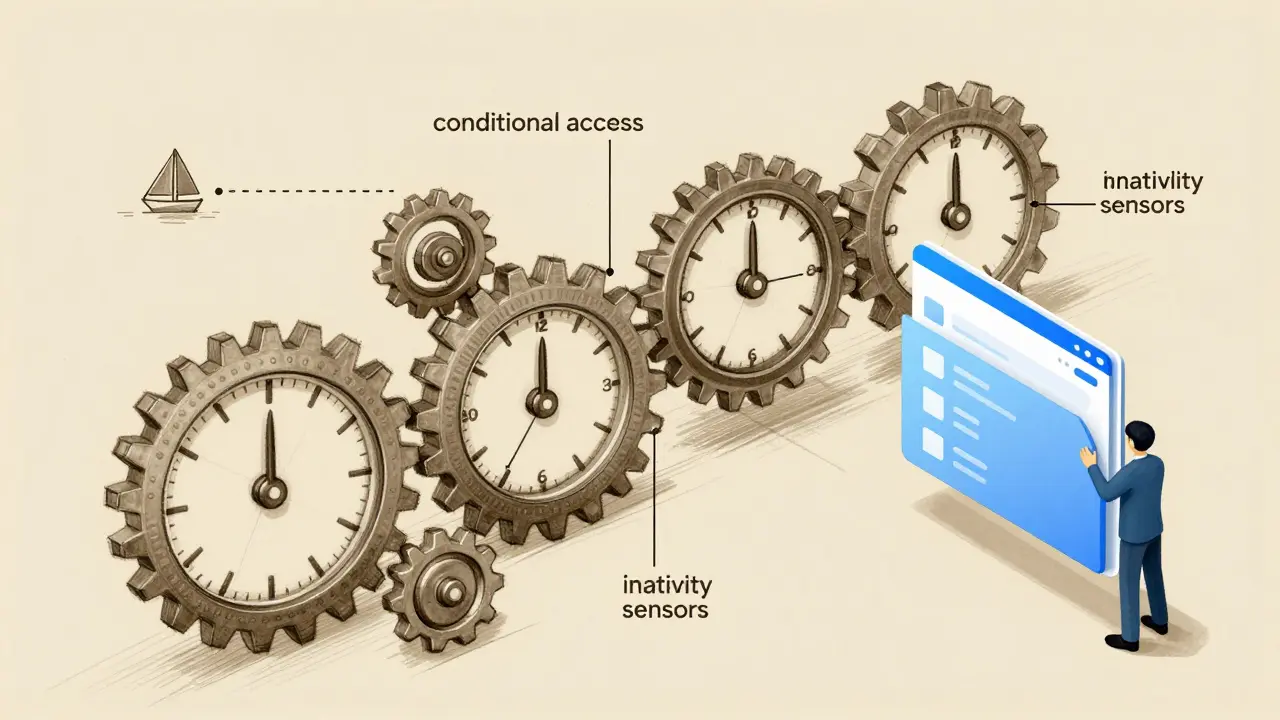
Here’s the real magic: control. A good family vault solution lets you define exactly who sees what and when. Vaulternal calls this "conditional access continuity." It’s not about guessing what might happen; it’s about setting rules in advance.
Imagine you’re going on a two-week sailing trip with limited connectivity. You want your partner to have access to your bank login details in case an emergency payment needs to be made, but only if you haven’t checked in for three days. With Vaulternal, you can set an inactivity-based trigger. If you don’t log in or confirm status within that window, the specific file is automatically unlocked for your partner. No panic, no frantic phone calls, just seamless access.
Or consider a planned handover. Maybe you’re managing a family business project and will be on sabbatical. You can set a time-based trigger to release project files to your co-manager on a specific date. These triggers-time-based, inactivity-based, trusted-contact-based, and manual-give you granular control without needing technical expertise. Recipients don’t need to understand blockchain or encryption; they just receive access when the conditions are met.
Setting Up Your Family Vault: What to Include
So, what actually goes into this digital vault? Start with the essentials that cause stress when lost:
- Critical Documents: Scans of passports, birth certificates, marriage licenses, and property deeds. Store these as PDFs for easy reading.
- Financial Logins: Bank accounts, investment platforms, and tax filing portals. Use a clear naming convention so family members know which account is which.
- Medical Information: Insurance policy numbers, doctor contacts, and current medication lists. This is vital for caregivers during unexpected hospital stays.
- Household Keys: Wi-Fi passwords, smart home admin codes, and alarm system PINs. Losing these can lock you out of your own home digitally.
- Future Messages: Yes, you can send a letter to your future self or schedule a message to a family member. Imagine sending a video message to your child for their 18th birthday, scheduled to unlock on that exact date. It’s a personal touch that adds emotional value to the utility.
Don’t try to move everything at once. Start with the top five items that would cause immediate chaos if lost. Once you’re comfortable, expand gradually. The goal is peace of mind, not perfection.
Choosing the Right Plan for Your Household
Vaulternal offers flexible options to fit different family sizes and needs. The Free plan gives you 2 GB of storage at no cost, which is enough for several high-resolution document scans and basic password storage. No credit card is required, making it easy to test the waters.
If your family generates more data-perhaps you store scanned books, extensive photo archives, or large video files-the Starter plan ($8.33/month billed annually) provides unlimited storage. The Pro plan ($15/month billed annually) adds further features for larger households or those needing advanced trigger configurations. Since the encryption happens on your device, the cost reflects storage capacity and feature depth, not security levels. All plans benefit from the same zero-knowledge, decentralized architecture.
Common Pitfalls to Avoid
Even with the best tool, human error can undermine security. Here are three mistakes families make:
- Sharing Too Broadly: Don’t give everyone access to everything. Limit permissions to the minimum necessary. Your teenager doesn’t need access to your tax returns.
- Ignoring Triggers: Setting up the vault is half the battle. Configuring the conditional access triggers ensures the vault actually works when you need it. Test them with non-sensitive files first.
- Failing to Update: Passwords change. Policies expire. Schedule a quarterly review to update your vault contents. Outdated information is worse than no information.
Is This Better Than a Password Manager?
Password managers are excellent for storing credentials, but they aren’t designed for document sharing or conditional access. They typically sync across your devices, not necessarily with other people’s devices in a controlled way. A dedicated family vault like Vaulternal complements a password manager by handling the broader ecosystem of family preparedness. Use both: keep daily logins in your password manager, and store critical, shareable documents and access protocols in your digital vault.
Can I recover my files if I forget my password?
No. Because Vaulternal uses zero-knowledge client-side encryption, the company does not have your decryption keys. If you lose your password and recovery keys, your files cannot be recovered. This is the trade-off for maximum privacy. Always store your recovery phrase securely.
Do my family members need to download an app?
Not necessarily. Vaulternal is designed so recipients need no special technical knowledge. Depending on the trigger type, they may receive a link or notification that grants them access to the specific file without needing to manage the entire vault themselves.
What happens if Vaulternal goes out of business?
Your data remains safe due to the decentralized storage model. Files are stored on Arweave and IPFS, which are independent networks. As long as these networks exist, your encrypted files remain accessible to those with the keys, regardless of Vaulternal's operational status.
Can I send a message to be opened in the future?
Yes. You can use time-based triggers to schedule the release of files, including letters, videos, or emails. This allows you to send a letter to your future self or schedule a message for a specific date, such as a birthday or anniversary.
Is my data stored on one server?
No. Vaulternal uses decentralized storage, splitting files across Arweave and IPFS. This eliminates single points of failure and ensures higher availability and permanence compared to traditional centralized cloud storage.