
Phala Network (PHA) Airdrop Guide: How to Claim and Node Setup
Getting free tokens usually means following a few Twitter accounts or joining a Telegram group. But the Phala Network is a privacy-preserving blockchain protocol that focuses on data protection and confidential smart contracts. Because they care about actual network utility, their airdrop isn't a simple click-and-claim event. It requires you to actually help the network by running a miner node. If you're okay with a bit of technical lifting, there's a reward waiting for you.
The core of the PHA token distribution is designed to filter out bots and reward real contributors. Instead of a lottery, it's a task-based reward system. To get your hands on the tokens, you'll need to dive into the world of Trusted Computing and node operation. It's a bit more work than your average airdrop, but it gives you a front-row seat to how privacy-preserving infrastructure actually works.
What exactly is the PHA airdrop?
The Phala Network airdrop is a strategic distribution of tokens to people who provide hardware resources to the network. Specifically, the campaign allocates 30 PHA tokens to users who successfully set up and run Phala miner nodes. Based on a price of around $0.10, this is a modest reward, but it often comes with additional referral bonuses if you bring other miners into the fold.
Unlike many projects that dump tokens on anyone with a wallet, Phala ties its rewards to the activation of its pre-mainnet version, codenamed 'Darth Vader.' This means the distribution is phased. You don't just sign up and get paid instantly; your rewards are contingent on the network hitting specific development milestones. It's a move that ensures the tokens go to people who are actually helping the network grow, rather than speculators who will sell immediately.
How to participate: Step-by-step node setup
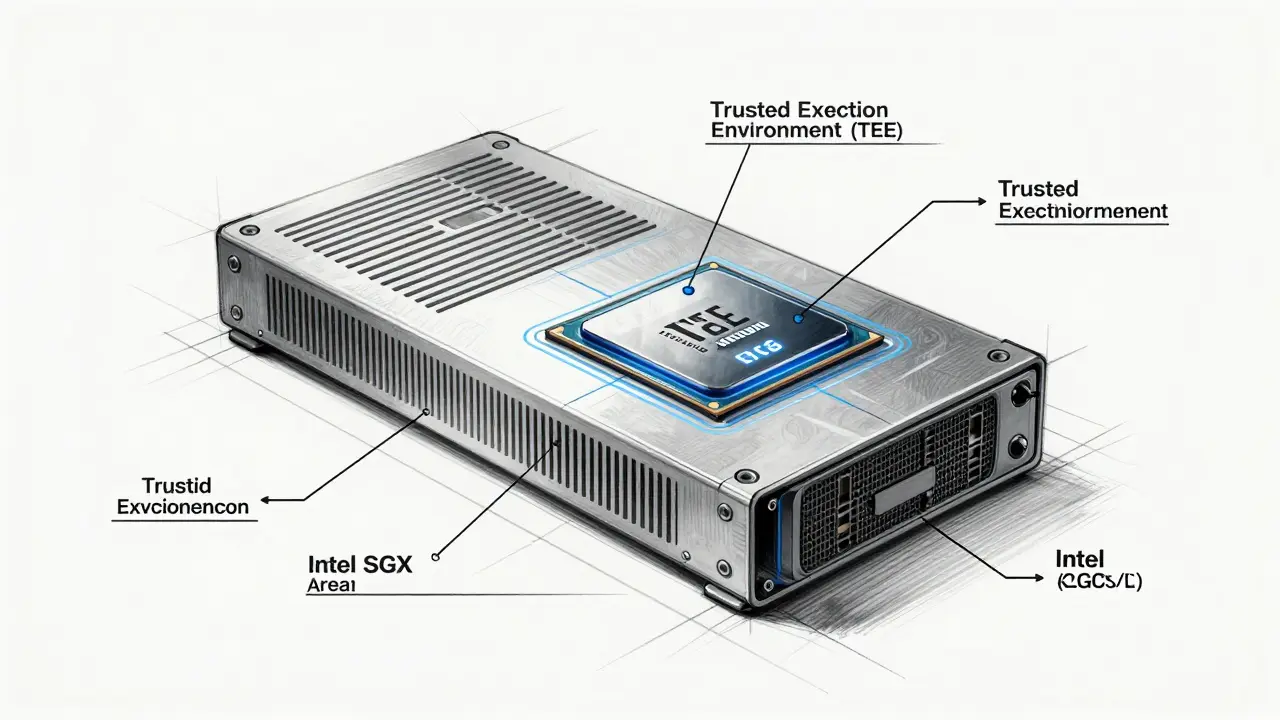
If you want to claim your 30 PHA, you can't just use a mobile app. You'll need a computer capable of Trusted Computing. This typically means hardware that supports a Trusted Execution Environment (TEE), which is a secure area of a main processor that guarantees the code is running exactly as intended without being tampered with.
- Check Hardware Compatibility: Ensure your CPU supports TEE (like Intel SGX). Without this, your node won't be recognized as "trusted," and you won't qualify for the rewards.
- Download Mining Software: Grab the specific mining files provided by the official Phala Network channels. Avoid third-party links to prevent security breaches.
- Run the Commands: Open your command-line interface (CLI) and execute the provided setup scripts. You'll need to configure your node to connect to the Phala network.
- Verification: Once the node is live and processing data, take screenshots of the successful operation.
- Submit Proof: Upload these screenshots to the designated airdrop platform to verify that you are actively contributing hardware power.
Expect to spend about 2 to 4 hours on the initial setup. It's not an overnight process, especially if you're troubleshooting driver issues or BIOS settings for your TEE hardware.
Phala's Shift: From Polkadot to Ethereum L2
While you're mining your tokens, it's worth noting that the network is going through a massive architectural change. For a long time, Phala operated as a parachain on Polkadot. However, as of late 2025, the project has shifted its focus toward Ethereum.
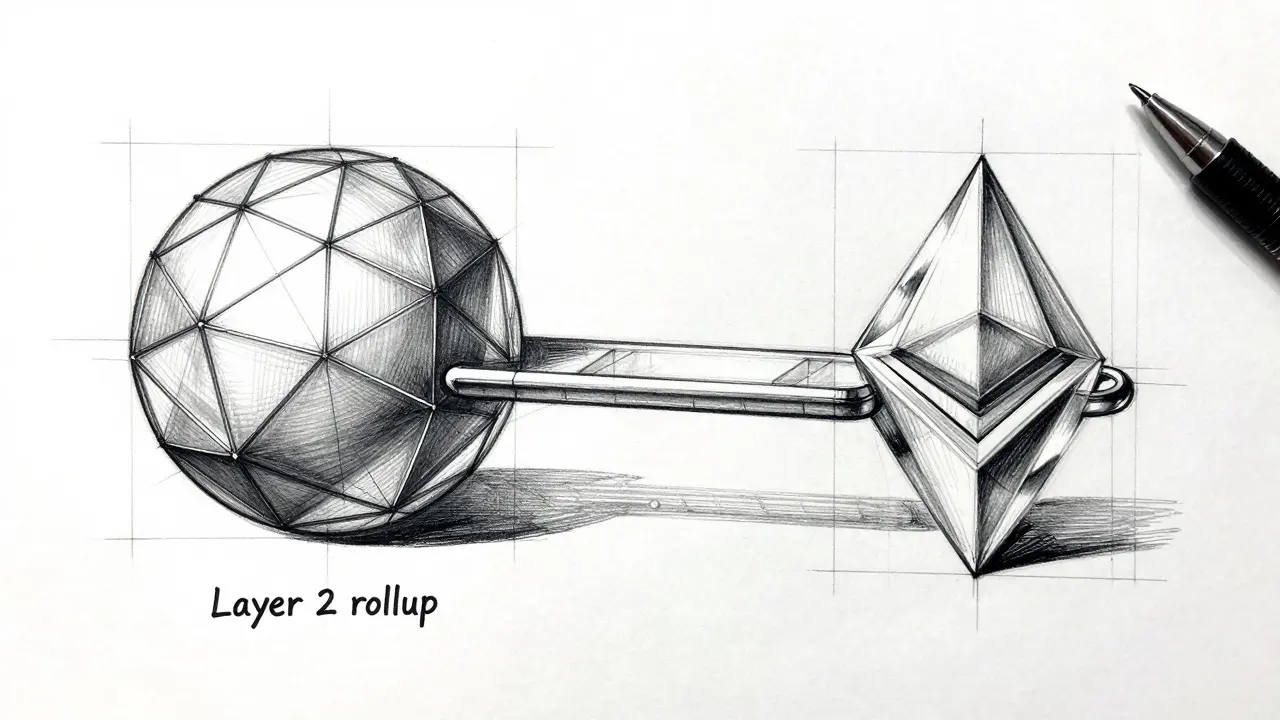
The move is a strategic play for better liquidity and more users. By launching a Layer 2 rollup on Ethereum in early 2025, Phala is moving its privacy tools where the most developers are. This transition is critical because the original Polkadot parachain slot expired in November 2025. For a token holder or airdrop participant, this means the utility of PHA is evolving from a niche Polkadot asset to a key component of the broader Ethereum ecosystem's privacy layer.
Comparing Phala with Other Privacy Projects
Phala isn't the only project trying to hide data on the blockchain. It competes in a space with other heavy hitters like Oasis Network and Akash Network. The main difference is *how* they handle privacy. While some use complex cryptography, Phala relies heavily on TEE hardware to create "confidential contracts."
| Project | Core Tech | Primary Focus | Barrier to Entry |
|---|---|---|---|
| Phala Network | TEE / L2 Rollup | Confidential Compute | High (Hardware Required) |
| Oasis Network | ParaTimes / TEE | Data Sovereignty | Medium |
| Akash Network | Decentralized Cloud | GPU/CPU Rental | Medium |
| The Graph | Indexing Protocol | Querying Data | Low/Medium |
Is it worth the effort?
Let's be honest: 30 PHA tokens isn't going to make you a millionaire. At current prices, you're looking at a few dollars. So why bother? For most people, the value isn't in the immediate cash-out, but in the potential for future rewards. Many projects reward "early node operators" with significantly larger airdrops later on as the network matures. By setting up a node now, you're essentially flagging yourself as a sophisticated user to the Phala team.
There's also the learning experience. Setting up a TEE-enabled node is a great way to understand how the next generation of the web-Web3-actually handles private data. However, if you don't have a compatible computer, don't try to force it. The hardware requirements are strict, and you won't get the tokens if your system can't prove it's running in a secure enclave.
Potential Pitfalls and Red Flags
The biggest frustration in the community right now is the timing. Because the airdrop is tied to the 'Darth Vader' pre-mainnet launch, there isn't a fixed date for when you'll see the tokens in your wallet. This "indefinite timeline" has left some users feeling like they're chasing a ghost.
Another risk is the technical complexity. If you aren't comfortable with a command line, you might find yourself stuck. While official documentation exists, troubleshooting hardware-specific TEE errors can be a nightmare since every motherboard handles SGX differently. Always double-check that you are using official software; the crypto world is full of fake "node installers" that are actually just malware designed to steal your private keys.
What hardware do I need for the Phala airdrop?
You need a computer with a CPU that supports Trusted Execution Environment (TEE) technology, most commonly Intel SGX. This allows the Phala Network to verify that your node is running confidential contracts securely.
How many PHA tokens do I get?
The standard allocation is 30 PHA tokens for successfully running a miner node. You may be eligible for additional tokens through referral bonuses if you invite others to join the network.
When will I receive my airdrop rewards?
Rewards are tied to the activation of the pre-mainnet version known as 'Darth Vader.' There is currently no fixed date for the final distribution, as it depends on the network's development milestones.
Is Phala still on Polkadot?
Phala has transitioned toward Ethereum. While it was a Polkadot parachain, it launched an Ethereum Layer 2 rollup in early 2025 to expand its reach and liquidity.
Can I run a Phala node on a VPS?
Only if the VPS provider offers "TEE-enabled" or "SGX-enabled" instances. Most standard cloud VPS setups do not provide the necessary hardware access to qualify for the airdrop rewards.
Next Steps for Participants
If you've already set up your node, the best thing you can do is keep it stable. Nodes that go offline frequently are less likely to be viewed as reliable contributors. Keep an eye on the official Phala community channels for updates on the 'Darth Vader' launch, as that is the trigger for your payout.
If you're hitting a wall with hardware errors, check your BIOS settings. Often, Intel SGX is set to "Software Controlled," which prevents the node from accessing the TEE. Changing this to "Enabled" is usually the fix for 90% of setup failures. For those without the hardware, keep exploring other L2 airdrops on Ethereum that only require wallet activity rather than hardware mining.
7stargee Emmanuel Obani
April 13, 2026 AT 11:3030 tokens for 4 hours of work? lol scam 🤡
Lela Singh
April 15, 2026 AT 09:44Let's get it! 🚀 Setting up nodes is a fantastic way to level up your tech game while supporting a privacy-focused future!
daniella davis
April 17, 2026 AT 07:10Ummm like why is everyone pretending this is a good deal? 🙄 I tried the setup and it's literally a nightmare. My BIOS is basically a puzzle and the rewards are just... sad. Absolute trash experience tbh.
Terrance Hausmann
April 17, 2026 AT 08:38I can see why some feel frustrated, but maybe look at it as a learning journey rather than a paycheck. It's a cool way to get familiar with TEE and the shift toward Ethereum L2s, which is where the industry is heading anyway, so just be patient with the process and each other.
Samson Selleck
April 19, 2026 AT 00:53The asymmetry between the computational overhead of maintaining an SGX-enabled enclave and the nominal token emission is frankly laughable. One would assume a sophisticated actor understands that the opportunity cost of hardware allocation far exceeds the current PHA valuation. The pivot to an Ethereum L2 rollup is a predictable attempt to capture liquidity in a saturated market, yet the lack of a definitive epoch for the 'Darth Vader' distribution suggests a fundamental deficiency in their roadmap's execution.
Will Dixon
April 19, 2026 AT 11:31dont worry if u get stuck with the bios stuff just search for your motherboard model on youtube its ususally easier to see it than read about it
Carroll Foster
April 19, 2026 AT 13:08Oh look, another 'revolutionary' privacy layer using hardware-based TEEs to solve a problem that zero-knowledge proofs are already crushing. I'm sure the 'Darth Vader' name is just a coincidence and not a hint that the project is actually a dark void of nothingness. Absolute peak crypto logic right here.
ssjuul z
April 21, 2026 AT 01:15Let's stay positive! 🌟 If you guys need help with the scripts, let's collaborate and figure it out together!
Rima Dinar
April 22, 2026 AT 04:41I really think it is important to remember that most of these airdrops are designed to reward the most patient users, so even if the 30 tokens seem small now, the long-term value of being a verified node operator often outweighs the initial effort, especially when you consider that the network is expanding its reach into the Ethereum ecosystem which usually brings a massive influx of capital and users over time.
Alan Seiden
April 22, 2026 AT 15:32Absolute rubbish. Why is the world obsessed with these useless tokens? This whole setup is a waste of electricity and time. Only a fool would spend four hours for a few dollars.
Hope Johnson
April 24, 2026 AT 08:21When we consider the nature of privacy in the digital age, we must ask if the hardware requirement is a barrier or a necessary filter to ensure that those who maintain the network actually value the integrity of the system. By requiring a Trusted Execution Environment, Phala isn't just asking for power, but for a specific kind of commitment to security that reflects a deeper philosophical shift in how we view data sovereignty and the role of the individual in a decentralized infrastructure.
aletheia wittman
April 25, 2026 AT 16:56omg i tried to do this and my whole computer just froze!! like literally why is it so hard to just give us the coins lol 😭
Artavius Edmond
April 26, 2026 AT 04:41Honestly, just vibing with the process. I'm just here to see if it actually works. No stress.
Stanly Hayes
April 27, 2026 AT 16:20Get your hardware ready or get out of the way! This is how real tech works, not some easy app click!
Lane Montgomery
April 29, 2026 AT 05:28Which CPU you using?
logan bates
April 29, 2026 AT 17:27Only a US-based node is truly secure. These global protocols are just too risky.
Tracie and Matthew Hartley
April 30, 2026 AT 22:44idk why everyone thinks this is a big deal. its basically just a fancy way of saying your computer is old if it dont have sgx lol. airdrops are dead anyway.
Omotola Balogun
May 1, 2026 AT 18:58Actually, the implementation of TEEs requires precise configuration of the PRM (Processor Reserved Memory). If you are experiencing failures, it is likely due to an incorrect allocation in the BIOS, regardless of the CPU model. Many of you are simply rushing the process without reading the technical specifications properly.
EDOZIEM MICHAEL
May 2, 2026 AT 11:52it is all a dance of numbers and trust anyway who really owns the hardware in the end
Akshay Gorad
May 3, 2026 AT 19:57I appreciate the detailed guide. I will check my system compatibility before proceeding.
jennelle williams
May 4, 2026 AT 02:24just be kind to yourself if it fails
Chidinma Sandra okafor
May 5, 2026 AT 18:30Imagine thinking a few tokens from some random network will save your portfolio. How cute. 🙄 I'm sure the 'milestones' will be reached exactly when they decide they've milked the community enough.
Kelly Cantrell
May 7, 2026 AT 03:22The fact that this requires specific hardware is exactly how they track us. First, they get you to install a 'node' that accesses your CPU's most secure area, and then they have a backdoor into your entire system. It's a classic data harvest disguised as a 'reward' program. Be careful what you let into your home network.
Lauren Abrams
May 8, 2026 AT 00:30I'm just curious if there are any Raspberry Pi versions coming out eventually or if it's strictly high-end Intel for now.